We, at Taptwice Media, love Claude. Mostly because of how easy it makes connecting to other apps and MCPs, and because the team keeps shipping interactive features that change how we work week to week. The latest one we are using daily: Live Artifacts inside Claude Cowork.
Regular artifacts in Claude Chat are static — they capture a snapshot of whatever you generated in that conversation. Live Artifacts are different. They are made by your Claude Cowork instead of Claude Chat, and every time you open one, it refreshes and pulls live data from whatever sources you connected. Plug in an MCP server or an API, and you get a visual dashboard that updates with one refresh.
We tested it with a live Search Console dashboard
We, at Taptwice Media, picked one of our partner websites — CRM News Today — and built a live Google Search Console dashboard for it inside Claude Desktop. End to end, the setup took less than ten minutes. Here is exactly what we did.
Step 1 — Connect Search Console to Windsor (free plan)
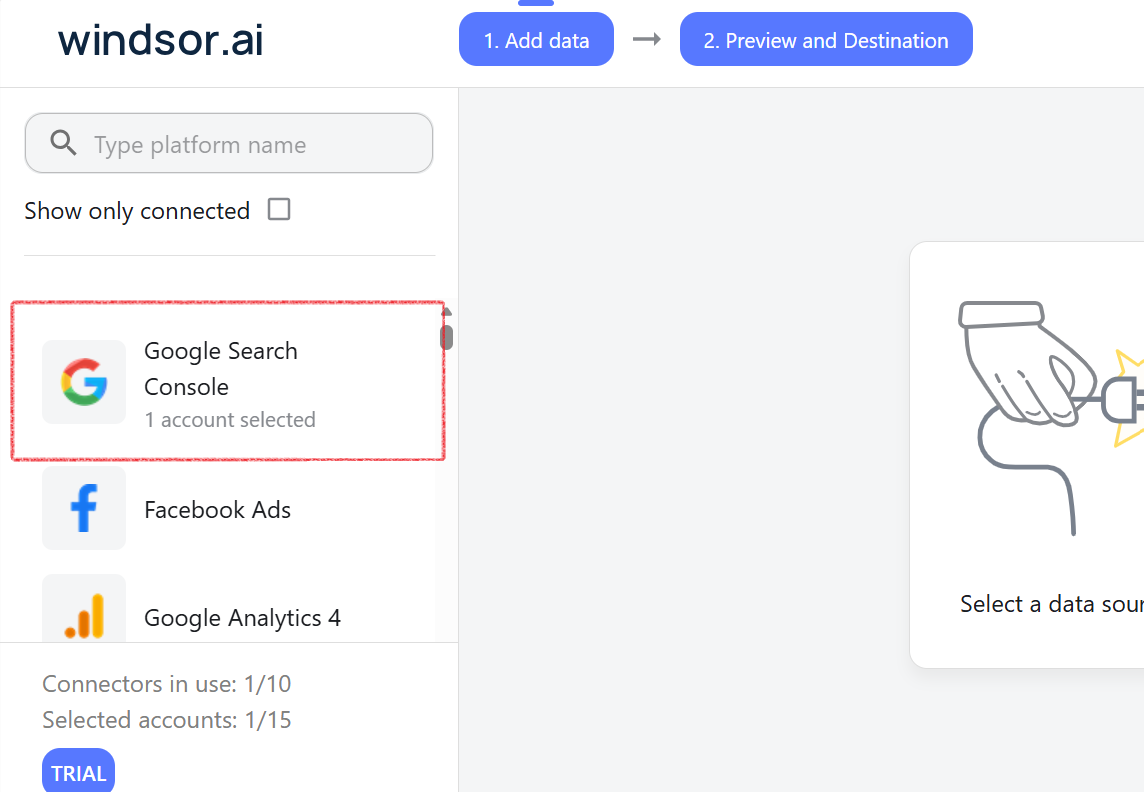
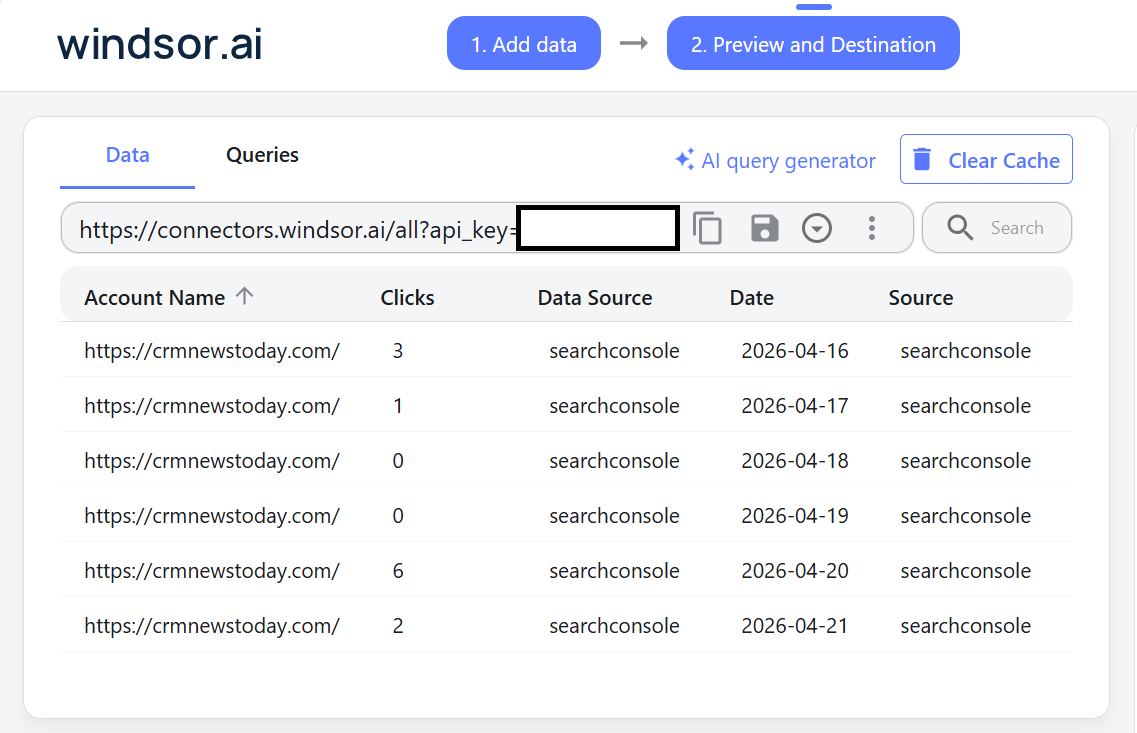
Windsor is a data pipeline that makes Search Console data accessible through a clean API. The free plan was enough for what we needed. We signed in, added Search Console as a source, picked the CRM News Today property, and Windsor started syncing the GSC data.
Step 2 — Add the official Windsor connector in Claude
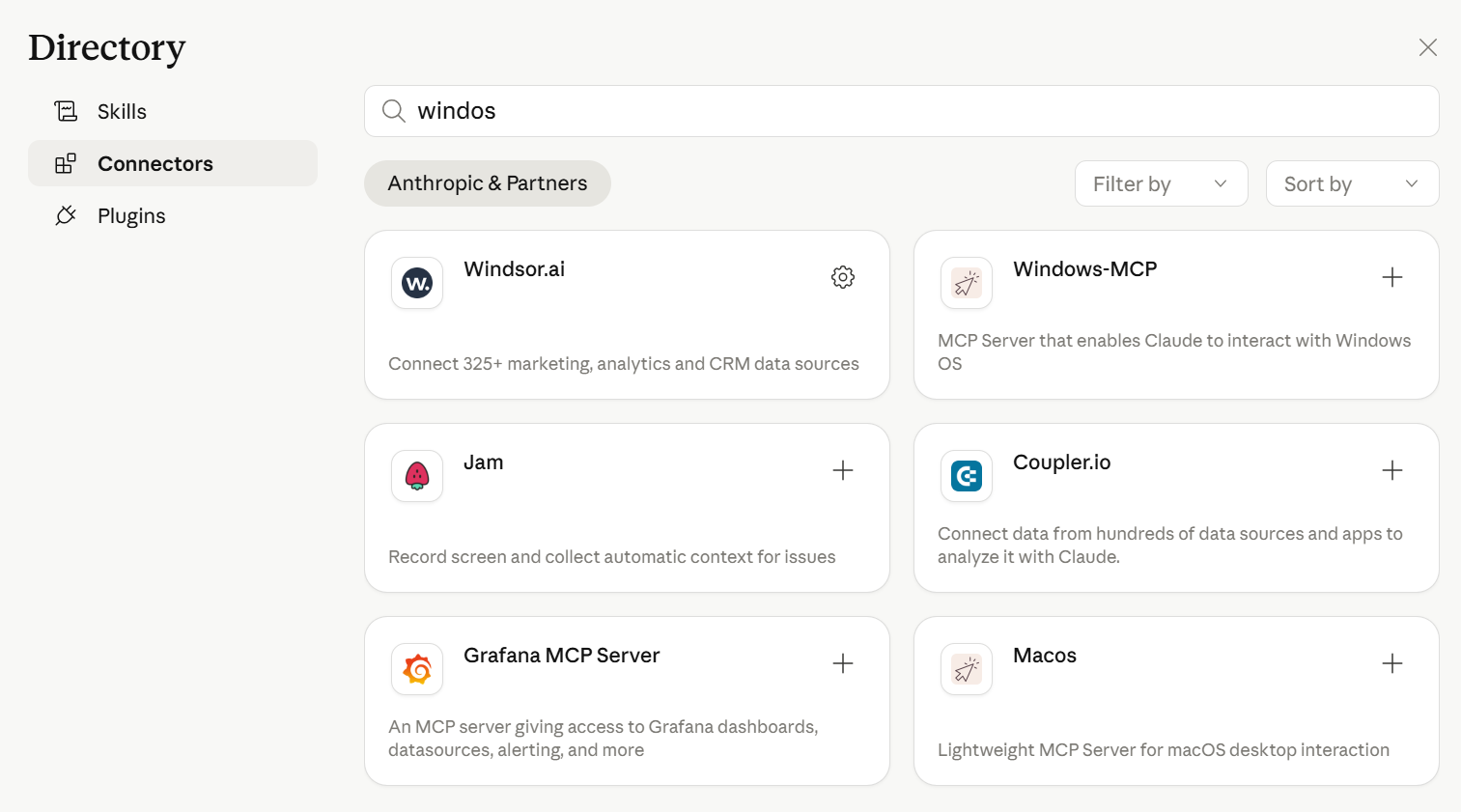
Claude has an official Windsor connector available out of the box. We added it from the connectors panel, authorized it against our Windsor account, and that was it — every Search Console field Windsor exposes was now reachable from inside Claude.
Step 3 — Open Cowork > Live Artifacts > Create New
Inside Claude Cowork, we picked the Live Artifact option and clicked Create New. Then we asked it to learn what the Windsor connector was providing for this property and to interview us before building anything.
Here is the exact prompt we used:
I want to make a live artifact. Explain what live artifacts are in Cowork, then look at my connectors (MCP servers), and ask me a few questions to figure out what kind of live artifact would be most useful for me.
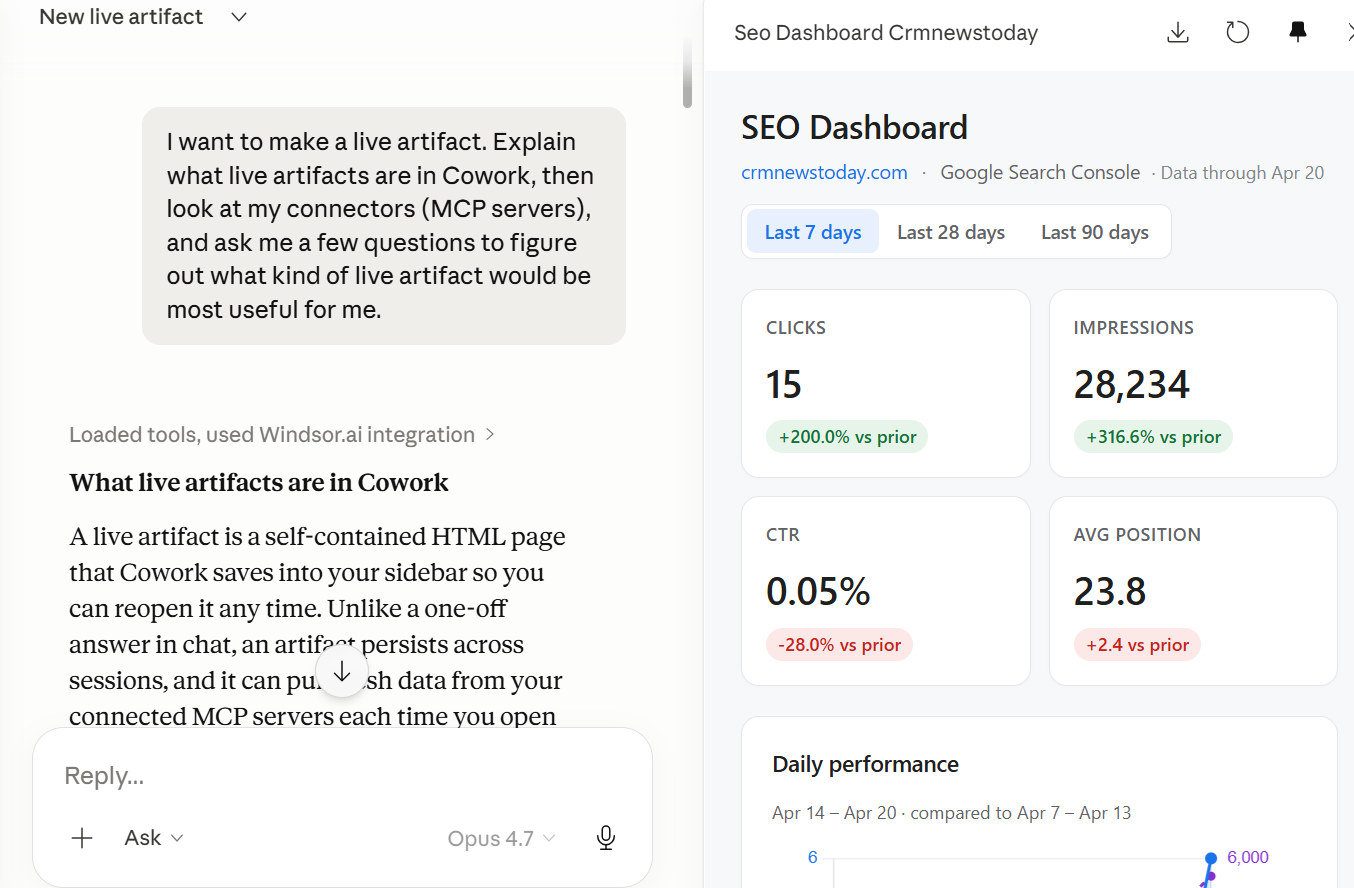
Step 4 — Claude inspected the fields and asked shaping questions
Claude went and checked which fields Windsor was actually surfacing for our GSC data, then came back with a short Q&A:
- Do you want the default screen to show 7 days of data?
- Do you want to see your winning content, your opportunities, or both?
- Do you want the dashboard to focus on problems (queries losing impressions, pages with falling CTR) or on growth metrics (rising queries, new keywords entering top 10)?
We answered with what we actually use day to day, and Claude built the live artifact around those choices. The dashboard auto-pinned itself inside Cowork, so we can open it from the side panel any time — and every time we open it, it pulls the latest seven days of GSC data through Windsor and re-renders.
The actual live artifact — Search Console dashboard for CRM News Today
Here is the live artifact Claude Cowork built for us, exported to PDF so you can see exactly what shipped. Inside Cowork it refreshes with the latest seven days of Search Console data every time we open it.
Why this matters for an AEO & GEO agency
(Check our AEO and GEO offering pages for the full scope of what we do.)
We watch AI-citation share, organic queries, and content performance across a handful of partner sites every day. Until now, that meant juggling tabs — GSC for one site, a separate analytics tool for another, a tracker for AI-engine mentions on a third. Live Artifacts collapses that into one pinned panel inside the same workspace where we are already prompting Claude for analysis. Open the artifact, see the latest numbers, ask Claude to explain the deltas — all in the same window.
The other thing we love: every artifact is conversational by construction. Because Claude built it through a Q&A, the dashboard reflects the questions we actually wanted answered, not a vendor’s idea of what a “Search Console dashboard” should look like. If our priorities shift next month — say we want to track AI Overviews impressions instead of generic clicks — we can just ask Claude to update the artifact, and the next refresh shows the new view.
What our brand-sentiment clients ask for next — branded-keyword impression growth
When clients sign up for our brand-sentiment tracking service, the first dashboard they want is sentiment across AI engines. The second one, almost without exception, is branded-keyword impression growth in Search Console.
The reason is simple: when more people are typing your brand name into Google, more people are getting interested in your product. Branded-keyword impressions are one of the cleanest leading indicators of category interest a brand has access to.
A live artifact built on Search Console + Windsor surfaces that growth curve at a glance — branded query impressions across the last 7, 28 and 90 days, deltas highlighted, anomalies one ask away from a Claude explanation. For clients on the brand-mention tracking retainer, this is now standard kit: alongside the AI-citation dashboard, they get a pinned live artifact for branded impressions inside the same Cowork.
What we are building next
Now that the GSC live artifact is running for CRM News Today, we, at Taptwice Media, are stacking more live artifacts in the same Cowork: AI-citation share tracking across ChatGPT, Perplexity and Gemini for the same property; press-release pickup tracking after each GlobeNewswire and ANI distribution; and answer-share comparison against direct competitors in the CRM news vertical. All of them refresh on open. All of them live next to the conversation we are already having with Claude.
If you run a brand and you have not tried Live Artifacts in Claude Cowork yet, point it at one MCP connector you already use — Search Console, HubSpot, Stripe, anything — and ask it to interview you before building. The dashboard you get back is unreasonably good for the amount of effort it takes.